Zum Inhalt springen
View in the app

A better way to browse. Learn more.

#T/N/X/T

A full-screen app on your home screen with push notifications, badges and more.

To install this app on iOS and iPadOS
  1. Tap the Share icon in Safari
  2. Scroll the menu and tap Add to Home Screen.
  3. Tap Add in the top-right corner.
To install this app on Android
  1. Tap the 3-dot menu (⋮) in the top-right corner of the browser.
  2. Tap Add to Home screen or Install app.
  3. Confirm by tapping Install.

Di, 27.10.09: 66 PIPs wg.TS

(0 Bewertungen)

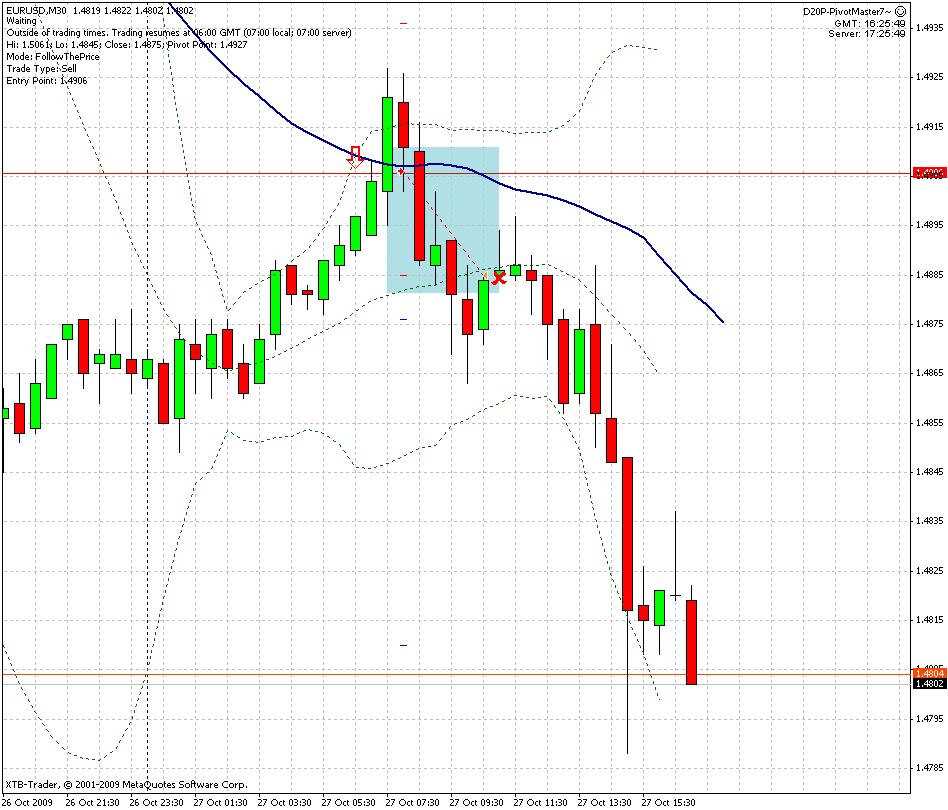
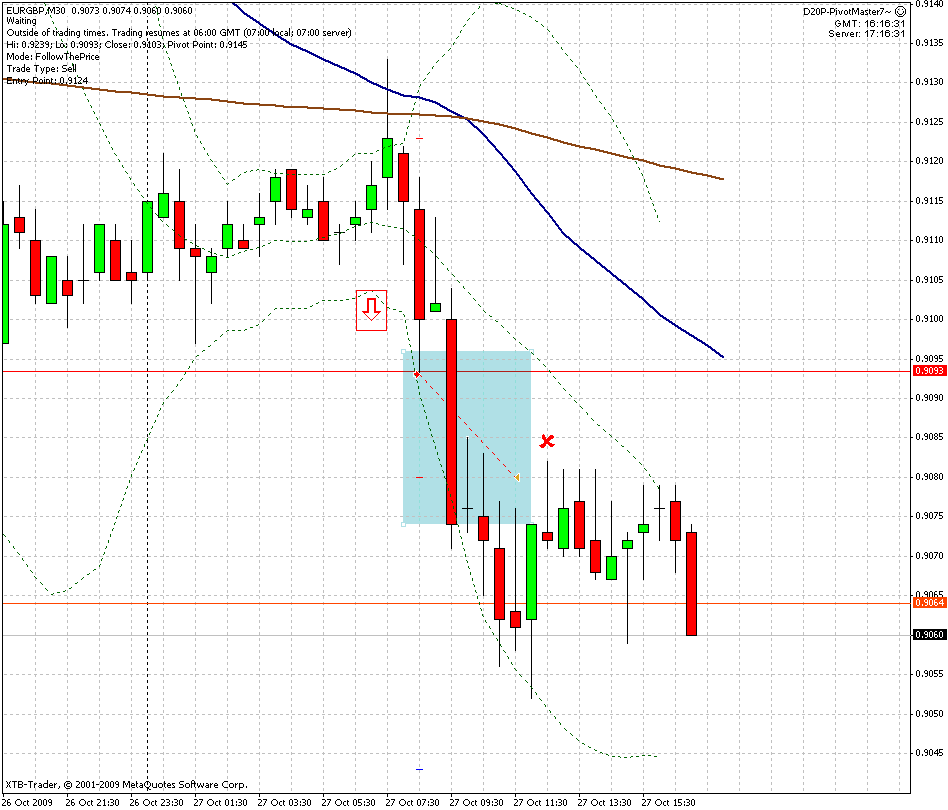
Heute musste ich meine Forextrades ab 9.00 Uhr sich selbst überlassen. Bei 4 Pairs war ich zu diesem Zeitpunkt eingestoppt worden. Um mich abzusichern, habe ich bei allen einen Trailingstopp von 20 PIPs gesetzt. Wie sich heute nachmittag zeigte (als ich wieder Zeit für die Charts hatte), wäre das heute nicht notwendig gewesen, denn der Trend blieb konstant. Aber wer weiss das schon vorher? Leider bin ich aber durch den TS bei einigen Paaren (NZDUSD und EURGBP) bei einem Bruchteil des möglichen Gewinns ausgestoppt worden. Da hätte ich besser den TS an die höhere Vola anpassen müssen. Nur der Trade im USDCHF hat den TakeProfit erreicht.

Ansonsten bin ich sehr froh, das meine angepasste Strategie heute so gut funktioniert hat.

27102009_stat.GIF

27102009eurusd_sell.gif27102009usdchf_buy.gif27102009eurgbp_sell.gif

0 Kommentare

Empfohlene Kommentare

Keine Kommentare vorhanden

Gast
Kommentar schreiben...

Account

Navigation

Suche

Suche

Configure browser push notifications

Chrome (Android)
  1. Tap the lock icon next to the address bar.
  2. Tap Permissions → Notifications.
  3. Adjust your preference.
Chrome (Desktop)
  1. Click the padlock icon in the address bar.
  2. Select Site settings.
  3. Find Notifications and adjust your preference.