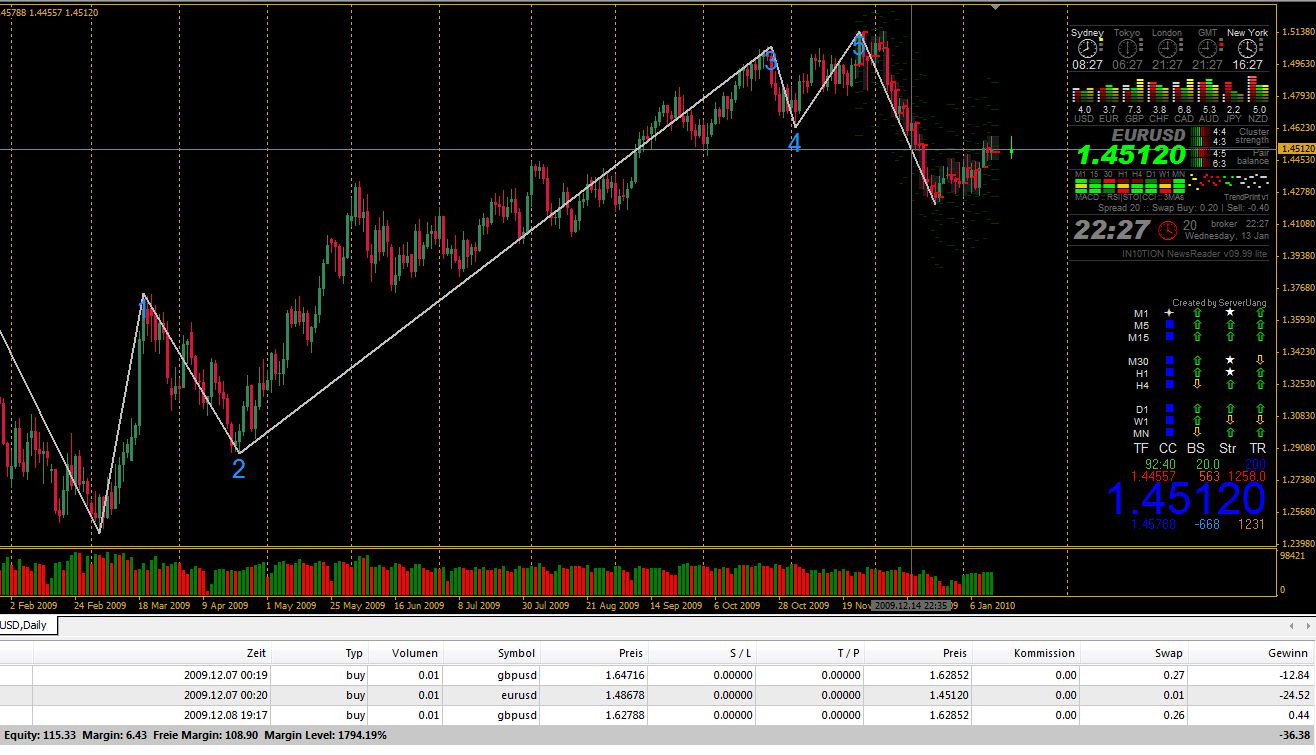
GBP_USD geht es wieder aufwärts? (0 Bewertungen) Teilen https://www.tom-next.com/community/blogs/entry/291-gbp_usd-geht-es-wieder-aufw%C3%A4rts/ Share on X Auf Facebook teilen {lang="reddit_text" Per E-Mail teilen Auf Pinterest teilen Mehr Optionen zum Teilen... Folgen Am 22.12.2009 - siehe unten - wurde es ja richtig eng...
Henrik Moderatoren Geschrieben 14. Januar 201016 Jr. comment_659 Melden Author stats Mh, verstehe ich jetzt nicht. Glaube das Bild gibt nicht genug Daten her um das jetzt nachzuvollziehen, was du mit "es wird eng" meinst
Ecart *_skilled Geschrieben 14. Januar 201016 Jr. comment_663 Melden Author stats Hi Henrik, es wird eng: gestern jetzt Equity: € 61,84 115,33 120,20 Verlust: - € 89,87 -36,38 -31,51



Empfohlene Kommentare